
Download & Install
The fastest way to put anything on the internet.
Raspberry PiCLI
Install ngrok
Install ngrok via Apt with the following command:
Download a standalone executable with zero run time dependencies.
In a terminal, extract ngrok:
Install ngrok via Snap with the following command:
Open your ngrok URL in a browser to see it working!
You’re all set. What’s next?
Create a policy.yaml file and run this command:
Create a policy.yaml file and run this command:
Create a policy.yaml file and run this command:
Create a policy.yaml file and run this command:
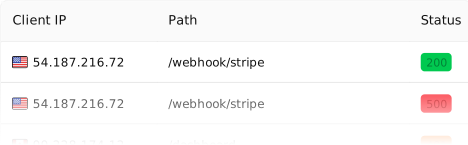
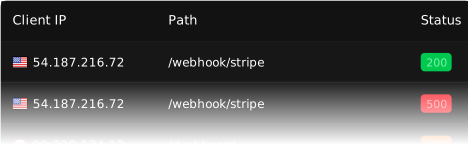
Inspect every detail of your traffic
Watch the flow in real time, then dig into the headers, body, latency, response, and more for every request.
Configure ngrok
Configure settings like multiple endpoints, load balancing, and traffic transformation with Traffic Policy.