
Download & Install
The fastest way to put anything on the internet.
Coding agentsPrompt
Copy this prompt into your coding agent
Your agent reads our setup guide, installs ngrok, starts an endpoint, and checks that the public URL serves your app. If ngrok isn’t already authenticated, the agent hands you the one command that adds your authtoken, so the token never goes through chat. Sign up for a free account to get one.
Tell it which port your app runs on
8080 is an example port. If you don’t know yours, your agent finds it and confirms it with you before starting anything.
Open your ngrok URL in a browser to see it working!
You’re all set. What’s next?
Add OAuth, rate limiting, or WAF protection
Our expose-localhost agent skill will guide you through any (or all) of these with Traffic Policy. No need to write your own YAML.
Then invoke it:
or:
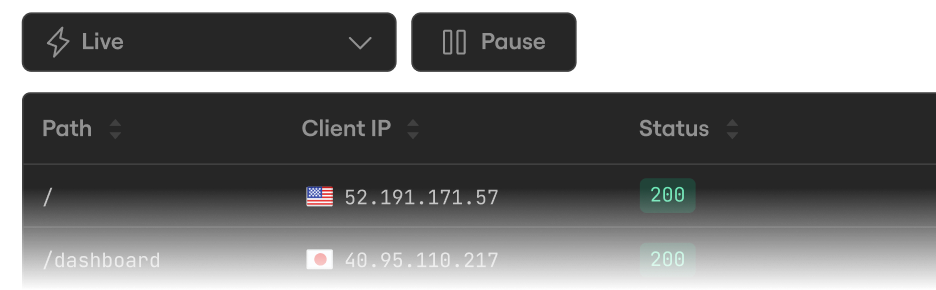
Inspect every detail of your traffic
Watch the flow in real time, then dig into the headers, body, latency, response, and more for every request.
Configure ngrok
Configure settings like multiple endpoints, load balancing, and traffic transformation with Traffic Policy.