Download & Install
The fastest way to put anything on the internet.
Docker DesktopAgent
1
Add the ngrok extension to Docker Desktop
Install the extension2
Follow the in-app instructions to add your authtoken
Don’t have an authtoken? Sign up for a free account.
3
Start an endpoint for a running container
Don’t have a container running? Use the hello-world container to test your endpoint.
Open your ngrok URL in a browser to see it working!
You’re all set. What’s next?
Create a policy.yaml file and run this command:
ngrok http 80 --traffic-policy-file policy.yamlcontents of policy.yaml
1on_http_request:2 # redirect users to Google to log in3 - actions:4 - type: oauth5 config:6 provider: google7 8 # allow logins *only* from acme.com9 - expressions:10 - "!actions.ngrok.oauth.identity.email.endsWith('@acme.com')"11 actions:12 - type: denyInspect every detail of your traffic
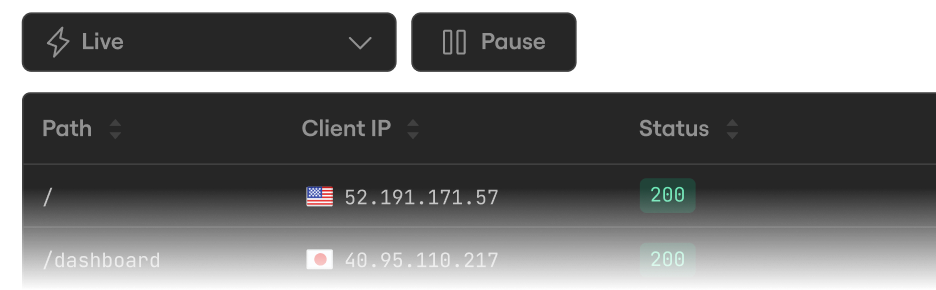
Watch the flow in real time, then dig into the headers, body, latency, response, and more for every request.
Configure your Docker Desktop extension
Turn on more features, like internal endpoints for private accessibility, or Endpoint Pools for load balancing.