
Download & Install
The fastest way to put anything on the internet.
DockerCLI
1
Install ngrok
2
Open your ngrok URL in a browser to see it working!
Watch
Expose any container with ngrok
You’re all set. What’s next?
Copy the policy below into a local policy.yaml file.
contents of policy.yaml
Copy the policy below into a local policy.yaml file.
contents of policy.yaml
Copy the policy below into a local policy.yaml file.
contents of policy.yaml
Copy the policy below into a local policy.yaml file.
contents of policy.yaml
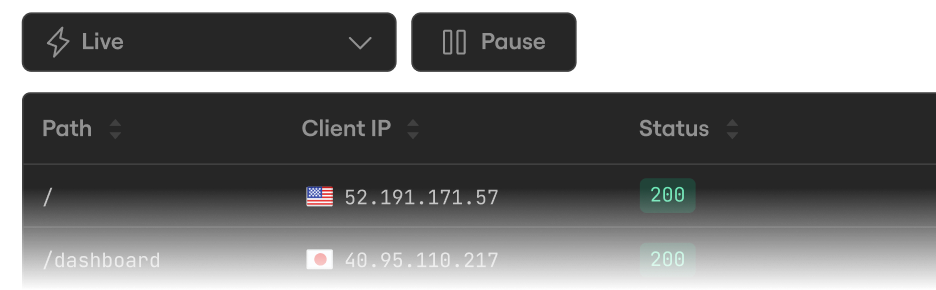
Inspect every detail of your traffic
Watch the flow in real time, then dig into the headers, body, latency, response, and more for every request.
Configure ngrok
Configure settings like multiple endpoints, load balancing, and traffic transformation with Traffic Policy.